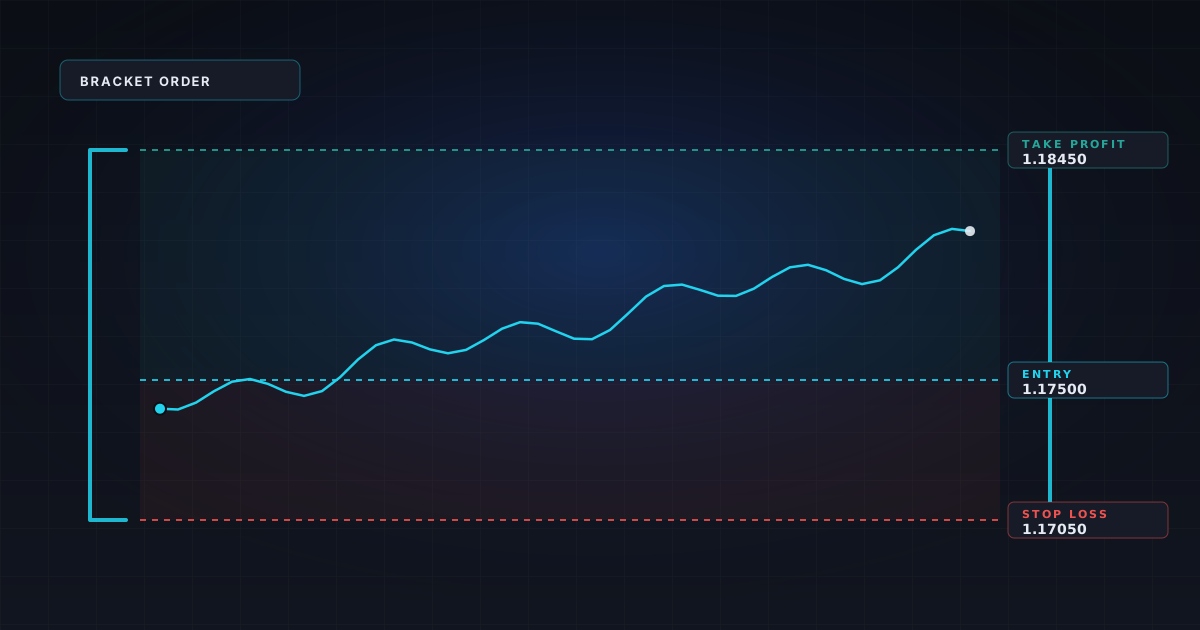
OTA is a type of conditional order commonly used in trading. OTA orders consist of two parts: the primary order and the secondary order. The primary order is the initial action you want to take, like buying or selling a security. The secondary order is a contingent action that becomes active only after the primary order is filled.
Here's how OTA works:
Primary Order: This is your initial trading action. For example, you might place a limit order to buy EUR/USD at a specific price.
Secondary Order: This order is contingent on the primary order being filled. It could be another limit order, stop order, or market order. For instance, you may set a stop-loss order at a certain price below your purchase price once your buy order is executed.
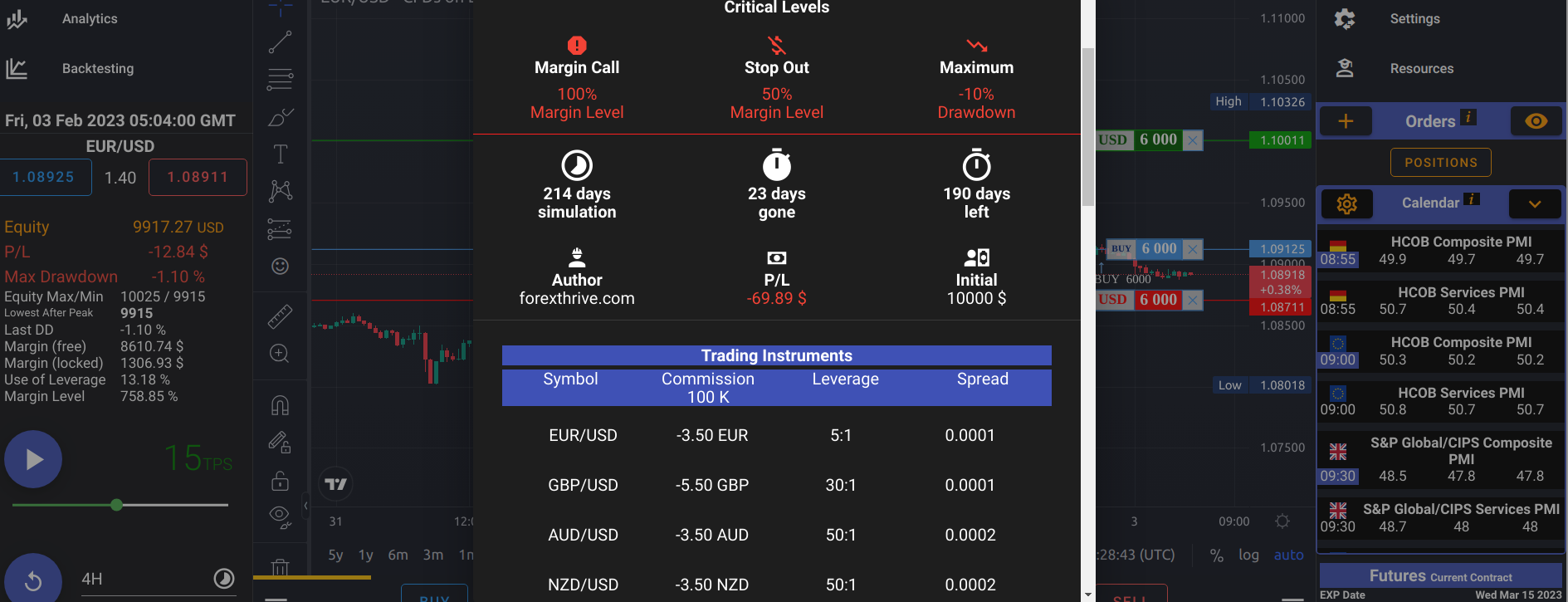
Let's see how to set up an OTA order in the trading simulator.
To open a new OTA order window, find the plus sign on the right pane of your chart where the prices are displayed, and click on it. The new order window will open, pre-filled with the price you selected.
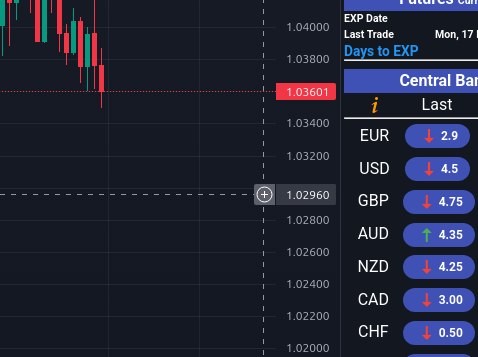
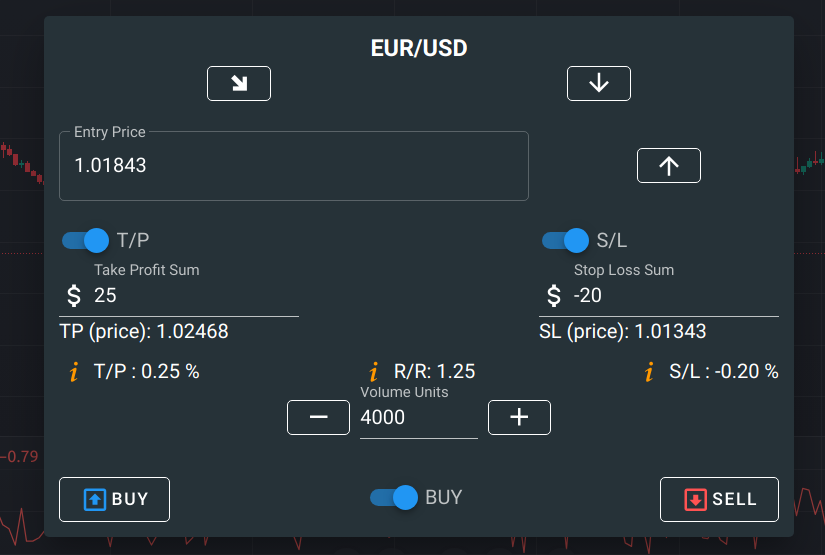
OTA orders are often used for risk management and to automate trading strategies. They allow traders to plan for multiple scenarios and ensure that if one part of their strategy is executed, other parts are automatically triggered, reducing the need for constant monitoring and manual intervention. This can be particularly useful in volatile markets or when traders have specific entry and exit criteria they want to follow.
Once the order is submitted, you will see the following screen
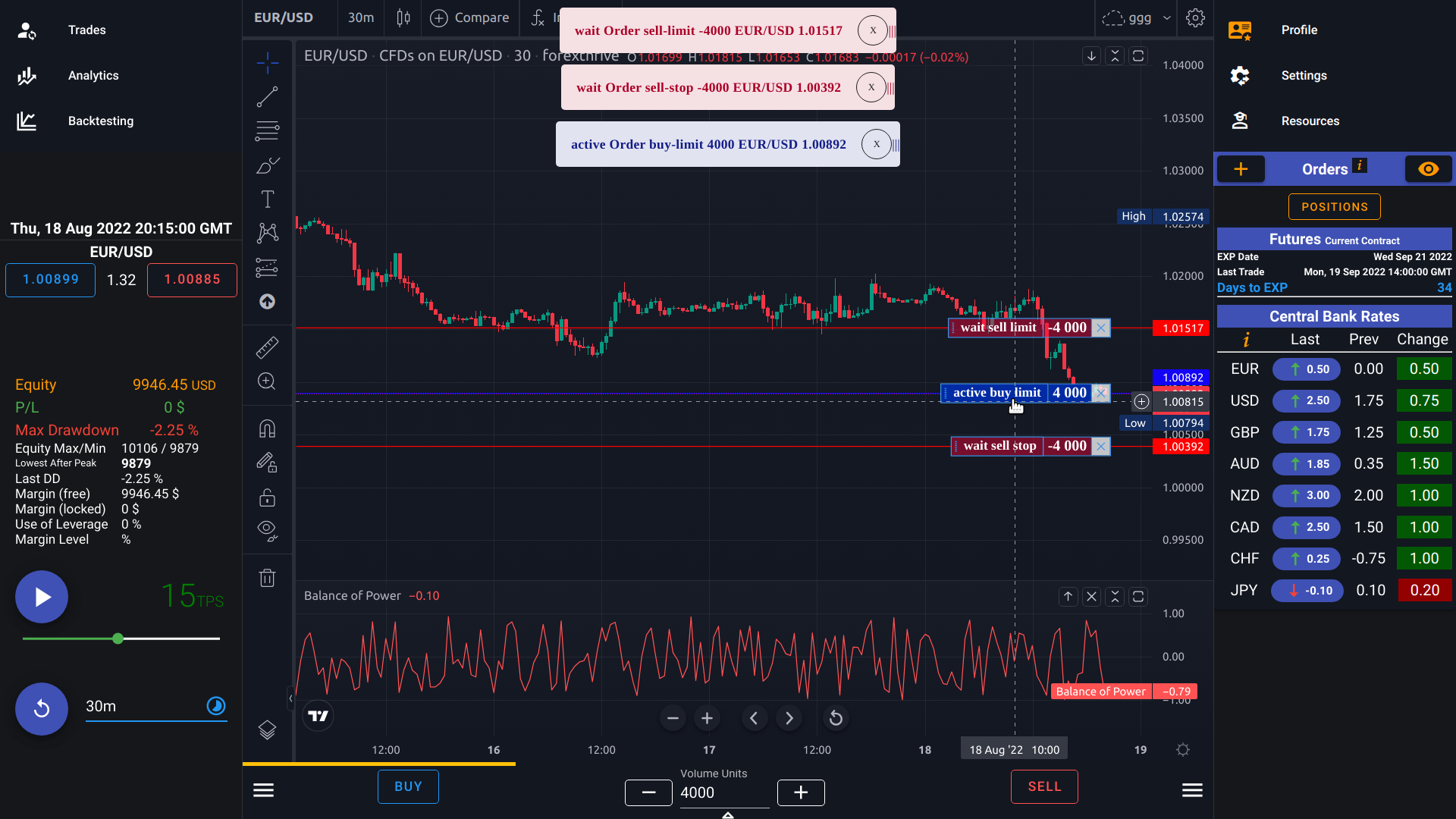
Here's how you might set up an OTA order for EUR/USD:
Trading the EUR/USD currency pair. You believe that a significant price movement is imminent, and you want to plan your trade accordingly using an OTA order.
Scenario: You expect EUR/USD to pull back to 1.00892 and then move higher. (To buy an upside breakout instead, you would use a buy stop order above the current price.)
Looking at the 3 tickets at top-center of the screen:
- wait Order sell-limit -4000 EUR/USD 1.01517
- wait Order sell-stop -4000 EUR/USD 1.00392
- active Order buy-limit 4000 EUR/USD 1.00892 (Trigger)
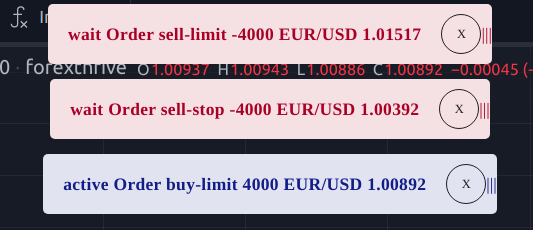
Primary Order (Trigger): You place a buy limit order for EUR/USD at a specific price level, let's say 1.00892. This is your primary order, and it's the action you want to take if the EUR/USD rate reaches that level. You want to buy EUR/USD if the price falls to 1.00892 or lower (a buy limit fills at the limit price or better) (Order buy-limit 4000 EUR/USD 1.00892)
Secondary Order (Triggered): Simultaneously, you set a secondary order, which is contingent upon the primary order being executed. In this case, you place a take-profit limit order at a higher price level (Order sell-limit -4000 EUR/USD 1.01517). If the primary buy order at 1.00892 is triggered and the EUR/USD rate climbs to or above 1.01517, this secondary order will execute, locking in your profits.
Contingent Stop-Loss Order: You also set a stop-loss order as part of your OTA strategy. If your initial buy order at 1.00892 is executed but the market moves against you, you want to limit potential losses. So, you place a stop-loss order at a lower price level (Order sell-stop -4000 EUR/USD 1.00392) If the market falls to 1.00392 or below, this stop order is triggered and closes the position, helping to minimize your losses.
In this scenario, you have effectively set up an OTA order that includes a primary order (buy limit), a secondary order (Order sell-limit -4000 EUR/USD 1.01517), and a stop-loss order (Order sell-stop -4000 EUR/USD 1.00392). The key point is that the secondary and stop-loss orders are contingent upon the primary order being filled. If the market doesn't reach your entry point of 1.00892, none of the secondary orders will be executed, and the trade won't be initiated.
OTA orders provide traders with a structured way to manage their trades, incorporating entry, profit-taking, and risk management components into a single order setup.
Frequently asked questions
What does OTA (One Triggers Another) mean?
OTA is a conditional order setup where a primary order, usually an entry, activates one or more secondary orders only after it is filled. Until then the secondary orders wait and cannot fill, so nothing happens if the market never reaches your entry price.
How is an OTA order different from a bracket order?
A bracket order attaches a take-profit and a stop-loss to an entry. OTA is the more general mechanism: any secondary order can depend on a primary order. An OTA with a limit entry, a take-profit limit and a stop-loss behaves like a bracket that waits for a pending entry instead of a market fill.
Where do the take-profit and stop-loss go for a long OTA trade?
For a buy entry, place the take-profit sell limit above the entry price and the protective sell stop below it. In this guide's example, the buy limit is at 1.00892, the take-profit at 1.01517 and the stop at 1.00392. That is 62.5 pips of target against 50 pips of risk.
Should the primary order be a buy limit or a buy stop?
Use a buy limit when you expect a pullback. It sits below the current price and fills at your price or better. Use a buy stop to catch an upside breakout. It sits above the current price and triggers once the market trades up to it.
Can I practice OTA orders on the free plan?
Yes. The free tier includes the full trading engine on a predefined historical game, so you can place and test OTA setups without paying. You only need a prepaid plan to create your own games or to change trading conditions such as spread, leverage and commission.