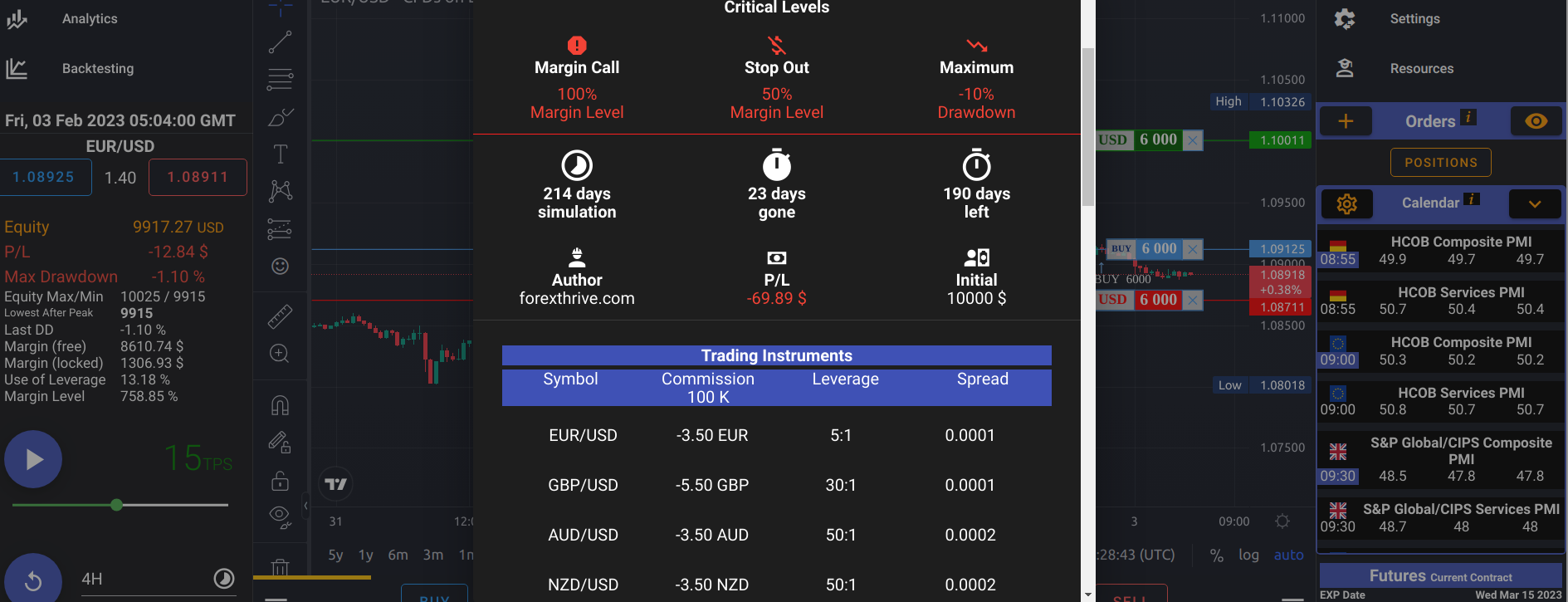
If you use ForexThrive charts powered by TradingView, indicators can help you read market conditions faster and avoid random TP/SL decisions.
How to add an indicator on the chart
- Open any chart in the app
- Click Indicators (top toolbar)
- Search for the indicator name (for example: ATR)
- Click it to add it to the chart
- Open indicator settings (gear icon) to adjust length/style
ATR (Average True Range)
What it shows
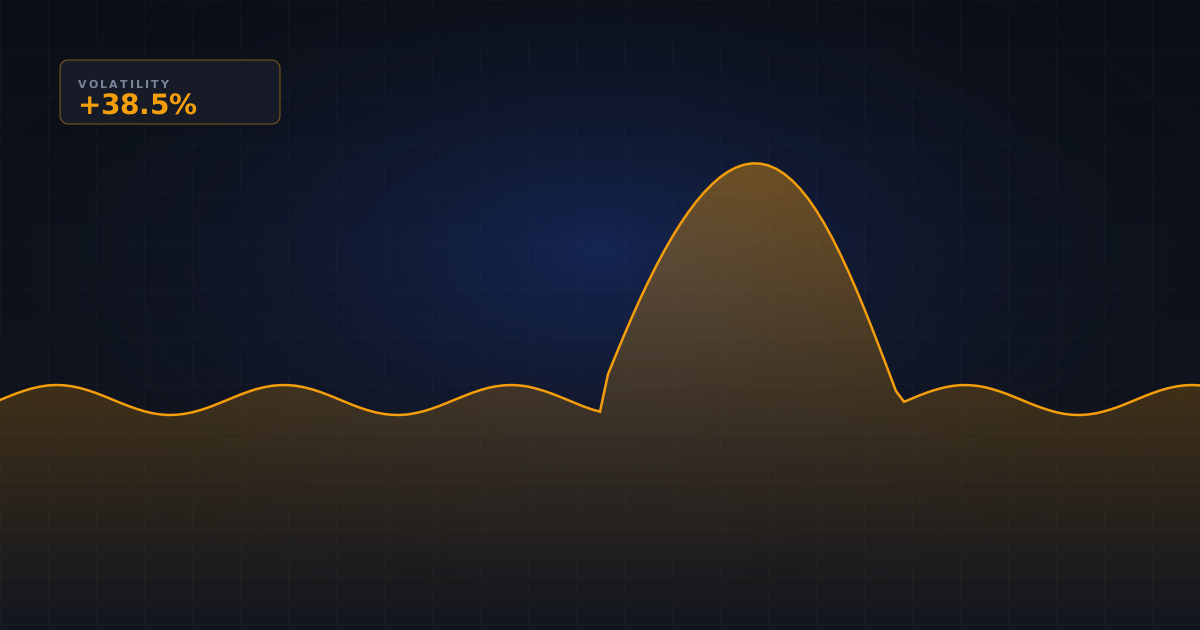
ATR shows the average size of recent price movement: the average true range over the last N candles (14 by default), where true range also counts gaps from the previous close. It measures how much price moves, not in which direction.
How to read it
- ATR rising = volatility increasing
- ATR falling = volatility decreasing
Practical use
- Higher ATR → consider wider SL (and a smaller position size to keep risk constant)
- Lower ATR → tighter SL may be enough
Bollinger Bands
What it shows
Bollinger Bands plot a 20-period simple moving average with bands 2 standard deviations above and below it (default settings 20, 2). Because the bands are based on standard deviation, they expand when volatility increases and contract when volatility drops.
How to read it
- Band squeeze = low volatility phase, potential expansion ahead
- Band expansion = active move already in progress
Practical use
Use squeezes to prepare for breakout scenarios and avoid over-sizing positions before expansion confirms.
RSI (Relative Strength Index) as a context filter
RSI is not a direct volatility indicator, but it helps confirm momentum context.
How to read it
- RSI > 50 with rising ATR can support trend continuation context
- RSI < 50 with expanding bands can signal stronger downside pressure
Example setup in ForexThrive
A simple workflow:
- Add ATR(14)
- Add Bollinger Bands(20,2)
- Add RSI(14)
- Check if ATR and bands confirm current market speed
- Set TP/SL according to volatility, then execute
Read related article: Current Volatility in Trading
What each indicator measures and typical settings
- ATR, default 14: the average true range of the last 14 candles, in price units. It tells you how far price typically moves per candle, not in which direction. Common uses are stop distances of 1 to 2 times ATR and comparing current ATR with its recent average.
- Bollinger Bands, default 20, 2: a 20-period simple moving average with bands 2 standard deviations above and below it. The width of the bands is the volatility reading; price touching a band is not a buy or sell signal on its own.
- Standard deviation, often 20: the dispersion of closing prices around their mean, the same value that sets the Bollinger Band width.
- RSI, default 14: a momentum oscillator from 0 to 100 that compares average gains with average losses. It says nothing about how large moves are, so use it for direction and strength only.
How to combine them
Give each indicator one job. Bollinger Bands answer "is volatility contracting or expanding?", ATR answers "how far away should my stop be?" and RSI answers "which side has momentum?". A typical sequence: spot a squeeze, wait for the bands to widen and price to close outside them, check that RSI agrees with the breakout direction, then place the stop a multiple of ATR away and size the position from that distance.
ATR and Bollinger width both measure volatility, so they usually rise and fall together. When both confirm, that is one piece of evidence, not two.
Common mistakes
- Treating ATR as directional. A rising ATR can accompany a sharp sell-off just as easily as a rally.
- Reading every band touch as overbought or oversold. In strong trends price can ride the upper or lower band for many candles.
- Using RSI as a volatility gauge. RSI can sit near 50 during a violent two-way market.
- Comparing ATR across timeframes or instruments. A 1-hour ATR and a daily ATR are on different scales, and an ATR on EUR/USD cannot be compared directly with one on BTC/USD. Compare each against its own history, or as a percentage of price.
- Widening the stop without reducing position size, which increases the money at risk.
- Stacking several similar indicators and calling it confirmation.
A quick way to build intuition is to add ATR(14) and Bollinger Bands(20, 2) to a chart and replay a calm week followed by a news-heavy week in the simulator, watching how both readings change.
Frequently asked questions
What is the best volatility indicator?
There is no single best one. ATR is the most practical for setting stop distances because it is expressed in price units, while Bollinger Bands are better at showing contraction and expansion phases. Many traders use both, keeping in mind that they measure related things and tend to move together.
What are the default Bollinger Band settings?
The standard settings are a 20-period simple moving average with bands 2 standard deviations above and below it, written as Bollinger Bands(20, 2). Some traders shorten the period for faster charts or widen the multiplier for more volatile instruments, but 20 and 2 remain the common starting point.
What does a Bollinger Band squeeze mean?
A squeeze is when the bands move unusually close together, showing that volatility has dropped. Low-volatility phases are often followed by expansion, so a squeeze warns that a bigger move may be coming. It does not tell you the direction, which is why traders wait for a breakout or use a momentum filter.
Is RSI a volatility indicator?
No. RSI is a momentum oscillator that compares average gains with average losses over a period, 14 by default, on a 0 to 100 scale. It shows the strength and direction of recent moves, not their size, so it works as a context filter next to ATR or Bollinger Bands.