Quick fixes checklist
- Check your timeframe. On the free Basic plan, switch to the daily chart or higher.
- Switch the chart type to standard candles (Heikin Ashi also works). Renko, Kagi, Point & Figure, Range, Line Break, Volume Footprint and TPO do not.
- Load a single symbol, not a spread or formula such as EURUSD/GBPUSD.
- Set the chart back to the symbol's default currency.
- If you use a tick-based chart, switch to a time-based interval.
- If a drawing tool or alert is the problem, see the section on alerts and tools below.
- Still stuck? Try the general steps: reload, log in again, or use another browser.
Cause 1: Your plan does not include intraday replay data
This is the most common reason for searches like "tradingview replay greyed out" or "tradingview bar replay intraday free". Bar Replay itself is available on every plan, including the free Basic plan. What changes between plans is how much historical data you can replay and on which timeframes.
The table below shows the replay data for each plan, as listed on TradingView's pricing page on September 29, 2026. Prices are in USD with monthly billing.
| Plan | Monthly price | Daily and higher | Minute data | Seconds data | Tick data |
|---|---|---|---|---|---|
| Basic | Free | Yes | No | No | No |
| Essential | $14.95 | Yes | About 180 days | No | No |
| Plus | $34.95 | Yes | About 365 days | No | No |
| Premium | $69.95 | Yes | Full history | Yes | No |
| Ultimate | $239.95 | Yes | Full history | Yes | About 7 days |
Two more points help here. Seconds data in replay only goes back to August 17, 2022, so you cannot replay a seconds chart before that date on any plan. Also, "Trading in Bar Replay" is ticked for all plans, Basic included, so a free account can place practice trades during a daily-chart replay.
Fix: on Basic, replay on the daily chart or higher. If you need 1-minute or 5-minute replay, you need Essential or above, and the plan decides how far back you can go.
Cause 2: The chart type is not supported
If the replay button does nothing or the replay toolbar never appears, check the chart type first. According to TradingView's help center, Bar Replay does not work on these chart types:
- Renko
- Kagi
- Point & Figure
- Range
- Line Break
- Volume Footprint
- TPO
Fix: switch to standard candles or bars. Heikin Ashi has been supported in replay since August 2025, so if you read older advice saying it is not, that advice is out of date.
Cause 3: "Replay is not available for this symbol"
This message, or a missing replay panel, usually means the chart is showing something other than one plain symbol in its normal currency. Replay is not available on:
- Spreads and formulas, for example a ratio of two symbols or a custom calculation.
- Currency-converted charts, where you changed the chart's currency away from the symbol's default.
- Tick-based charts, such as charts built from a fixed number of ticks.
Fix: TradingView's official advice is to switch to a single symbol, standard candles and the default currency. Once all three are in place, the replay toolbar should open.
Cause 4: Alerts and some tools behave differently in replay
Sometimes replay is working, but something else looks broken. Keep these points in mind:
- Alerts: server-side alerts keep firing on live, real-time data while you replay. They do not trigger on replayed bars, and you cannot create new alerts while in replay mode.
- Drawing and indicator tools: some tools, including Regression Trend and Fixed Range Volume Profile, do not work in replay.
- Multiple charts: replay can sync across all charts in a layout, so if one chart moves when you step another, that is expected behaviour.
- Mobile: Bar Replay also works in the TradingView iOS and Android apps, so a missing button on your phone is more likely one of the causes above than a missing feature.
If you use replay to practise exits, it is worth learning how take-profit and stop-loss orders work together. Our guide on how to use bracket orders explains the basics.
General troubleshooting steps
If none of the causes above fit, try these general steps. They are common web-app checks, not official TradingView instructions, but they often clear display problems:
- Reload the page, or close and reopen the chart layout.
- Log out and log back in, so your plan is detected correctly.
- Try a different browser, or a private window with extensions turned off.
- Clear the browser cache for the site.
- Test the same chart in the desktop or mobile app to see whether the problem is browser-specific.
If the problem remains, contact TradingView support and tell them the symbol, chart type, timeframe and plan you are using.
How to replay intraday forex without a paid plan
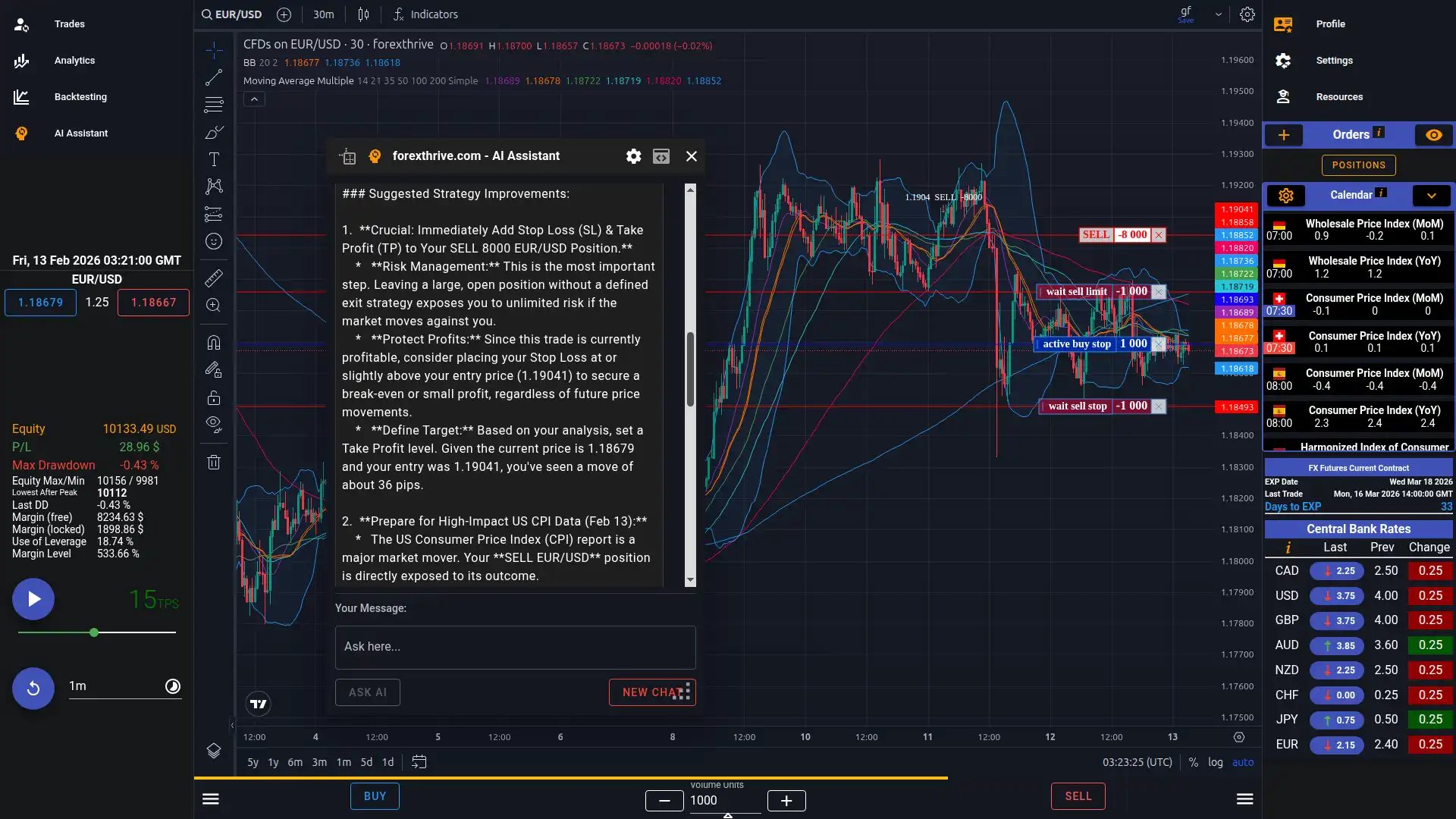
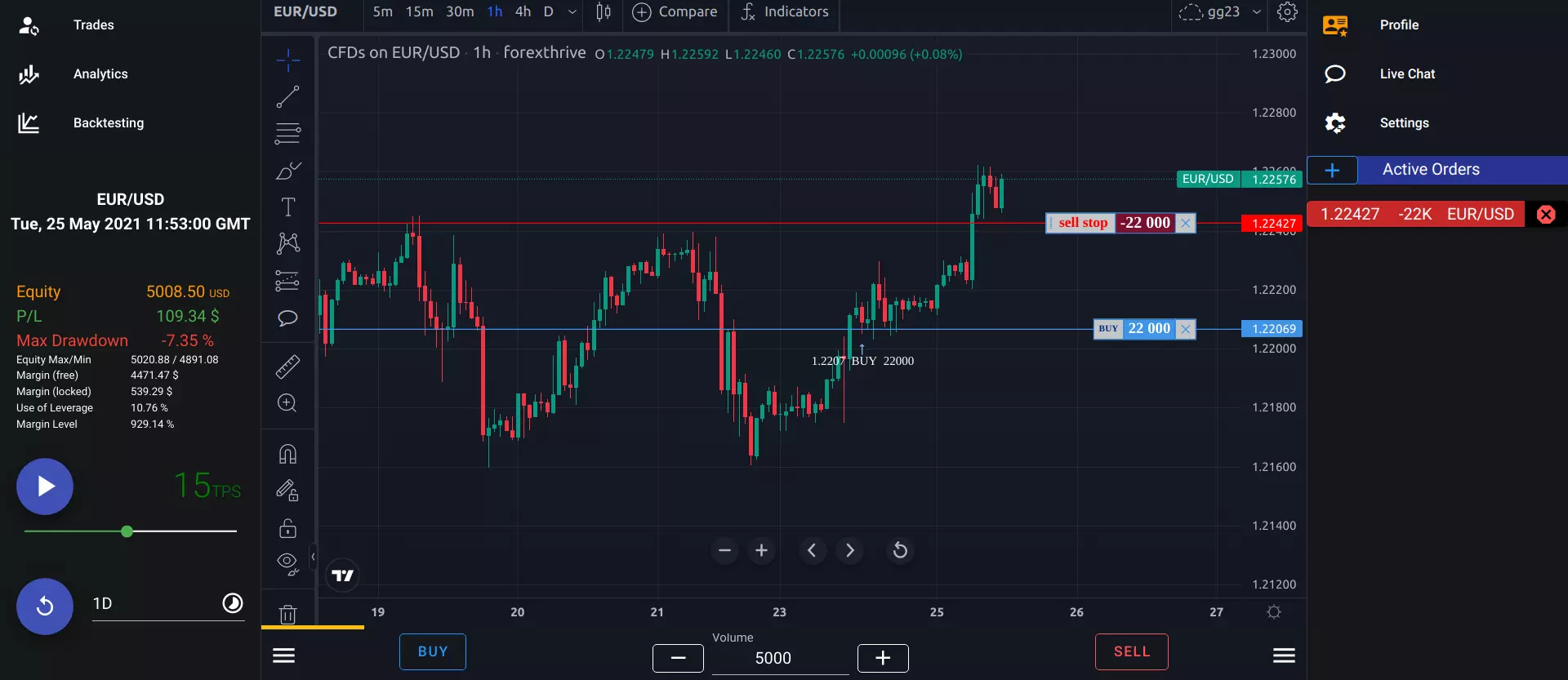
If your main goal is intraday forex replay practice and the Basic plan's daily-only limit is what stops you, ForexThrive is one option. It is a browser-based replay simulator built on TradingView's Advanced Charts library. Its free plan gives you one predefined game, February 22 to May 23, 2022, that replays intraday from 1-minute bars. It includes FX majors, crypto and FX futures, 40+ indicators, and trading during replay. Prepaid plans let you pick any dates since 2006. ForexThrive has no tick or seconds data. TradingView offers far more markets, plus seconds and tick replay on its higher plans. You can read an honest comparison on our TradingView Bar Replay alternative page, learn more about forex replay, or see what the free plan includes.
TradingView is a trademark of TradingView, Inc. ForexThrive is not affiliated with or endorsed by TradingView.
Frequently asked questions
Is Bar Replay free on TradingView?
Yes. Bar Replay is available on every plan, including the free Basic plan, as listed on TradingView's pricing page on September 29, 2026. On Basic, replay is limited to daily and higher timeframes. Minute data starts with Essential, seconds data with Premium, and tick data with Ultimate. Trading in replay is ticked for all plans.
Why is TradingView replay greyed out on intraday charts?
On the free Basic plan, replay does not include minute, seconds or tick data, so intraday timeframes such as 1-minute or 15-minute cannot be replayed. Switch to the daily chart or higher, or use a paid plan. Essential includes about 180 days of minute data and Plus about 365 days.
What does "replay is not available for this symbol" mean?
It usually means the chart is a spread or formula, uses a converted currency, or is a tick-based chart. Replay does not support these. Load a single symbol, use standard candles and set the chart back to its default currency, and the replay toolbar should become available again.
Do alerts work during TradingView Bar Replay?
Server-side alerts keep running on live, real-time data while you replay, so they do not react to replayed bars. You also cannot create new alerts while replay mode is active. Some tools, such as Regression Trend and Fixed Range Volume Profile, do not work in replay either.
Can I replay seconds or tick data on TradingView?
Seconds data is available in replay on Premium and Ultimate, with history back to August 17, 2022. Tick replay is Ultimate only and covers about 7 days, as listed on TradingView's pricing page on September 29, 2026. Lower plans, including Basic, cannot replay seconds or tick charts.